Tenant
Before performing any operation in Avalon, you must first select a tenant.
(You can, however, still edit your own user profile without selecting one.)
Initially, you will only be able to log in with the admin account and access the admin tenant, which is created by default and cannot be deleted.
The admin tenant is not a regular tenant, meaning that you cannot integrate any network assets into it.
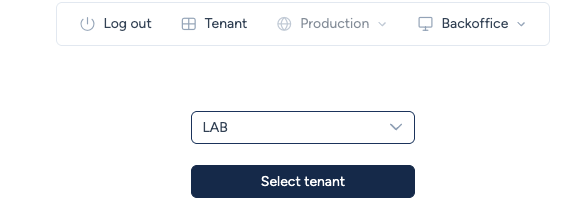
To select a tenant, choose one from the dropdown list and confirm your choice using the Select tenant button.
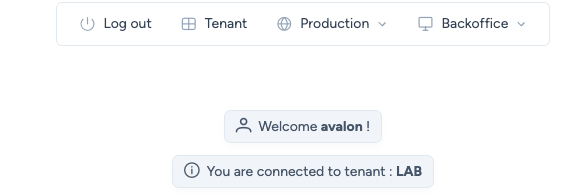
Once a tenant has been selected, you will be redirected to the user homepage, which will display usage statistics in future releases.
Note
As of version Fall 2025, the homepage can only be viewed immediately after tenant selection.