Check connectivity
This feature allows you to perform an immediate reachability and integrity check on all devices within the site.
How it works
Unlike a standard "Ping" or ICMP check, Avalon performs a complete management validation to ensure the device is truly controllable.
The process consists of two steps for each device:
- SSH Connection: Avalon attempts to open a management session using the configured credentials.
- Hostname Verification: Once connected, Avalon reads the configured hostname on the device and compares it with the one defined in the site inventory.
- This allows Avalon to verify that the target IP address corresponds exactly to the expected device (preventing IP conflicts or identity mismatches).
Visual Indicators
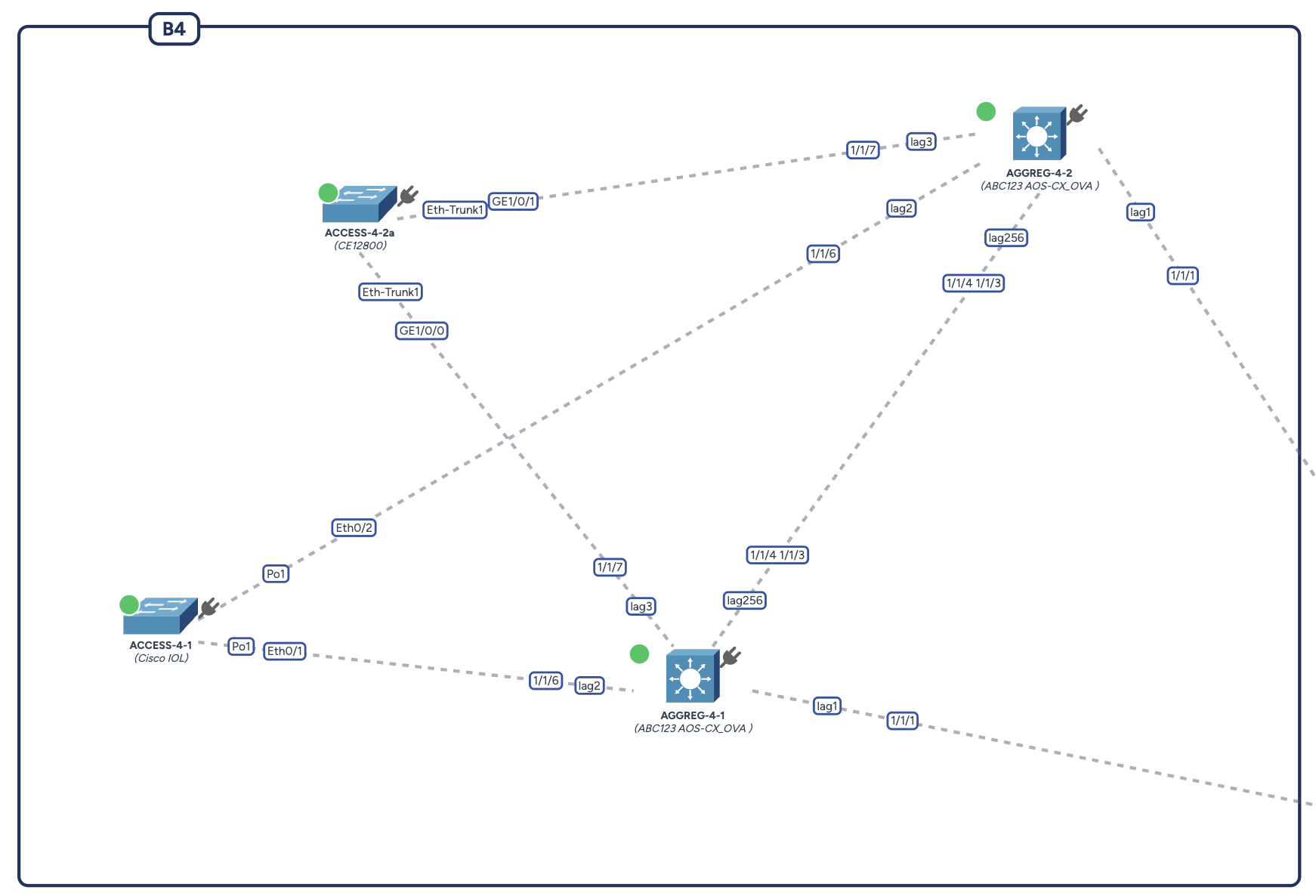
The status is displayed via a colored badge located at the top-left of each device icon.
- Grey Badge: Default state. The connectivity has not been checked yet, or the last check is outdated.
- Green Badge: Success. The device is reachable via SSH, and its hostname matches the inventory.
- Red Badge: Failure. This can indicate:
- Network unreachable (timeout).
- Authentication failure (wrong credentials).
- Hostname mismatch (the device found at this IP is not the one expected).
Actions
- Check Connectivity: Clicking this button in the left sidebar triggers the process for all devices on the map simultaneously. The badges update in real-time as results come in.